4.0" IPS – 480×480 (Square)
Compact square IPS module for wall panels and HMIs. Fits 86-box, great touch UI density.
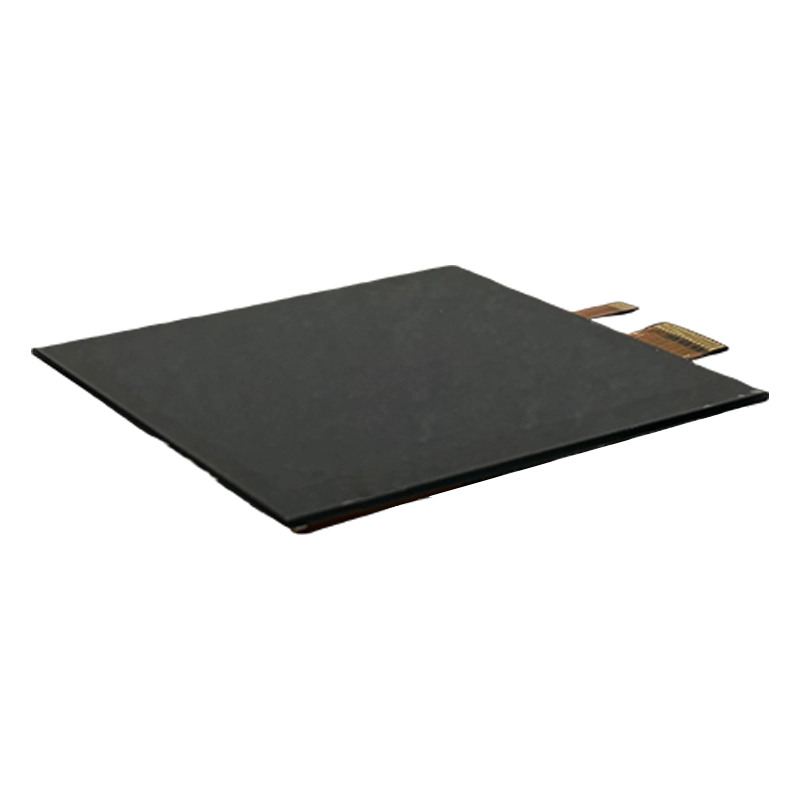
This 4.0" IPS 480×480 square panel is designed for compact interfaces where a conventional widescreen layout wastes space. The square active area is useful for wall controls, intercoms, smart home panels, compact industrial HMIs, access control devices, instrumentation, and control knobs with graphical menus.
Square displays change the way the interface should be designed. Instead of spreading content horizontally, the UI usually needs large central controls, clear status icons, simple menus, and touch targets that remain comfortable at a small size. The 480×480 resolution is enough for clean graphics and readable labels when the UI is planned specifically for the format.
Engineering Fit
The 4-inch size works well in products that need a small but visually modern front panel. It can fit wall-mounted devices, compact control boxes, elevator or access interfaces, small machine controllers, and room-control systems. The IPS viewing angle is important because wall panels and compact HMIs are often viewed from above, below, or from the side.
The MIPI-DSI 2-lane interface is suitable for compact embedded platforms and helps reduce pin count. Because MIPI DSI is sensitive to routing, the display should be placed close enough to the processor or connected with a controlled FPC design. Initialization sequence, lane count, timing, reset, and backlight control should be validated early.
Front Stack and Touch
This panel is commonly paired with G+G projected capacitive touch. In wall controls and public interfaces, the cover glass is part of the industrial design, not only a protection layer. Ink border, glass thickness, edge radius, anti-glare surface, anti-fingerprint coating, and optical bonding can all affect both appearance and touch performance.
If the module is intended to fit an 86-box style front glass, mechanical tolerance should be reviewed carefully. The viewing area, active area, cover lens opening, adhesive border, and cable exit need to align. A small display can look misaligned quickly if the bezel or printed border is not controlled.
Power and Always-On Use
Many small wall panels run for long hours. Even if the backlight power is lower than a large display, always-on duty cycle affects LED lifetime and enclosure temperature. Dimming, screen timeout, dark-mode UI, and wake behavior should be planned based on the product use case. For a control panel that must always show status, define the minimum readable brightness and expected lifetime.
Approval Checklist
- Design the UI for a square screen instead of adapting a widescreen layout.
- Confirm MIPI DSI initialization and boot behavior on the target processor.
- Test touch accuracy near corners and along the printed border.
- Review cover glass alignment, adhesive width, and FPC routing.
- Validate always-on brightness, dimming, and thermal behavior.
- Keep the final touch tuning and display timing under revision control.
Best-Fit Applications
This panel is a strong match for compact products where the screen is part of the product identity and the user interaction is simple but frequent. It is less suitable for complex data tables or interfaces that require wide charts. If the UI needs very fine detail, a higher-resolution square variant may be more appropriate.