IPS vs TN vs VA Displays: Engineering Trade-Offs for Embedded Systems
A practical engineering comparison of IPS, TN, and VA LCD technologies for embedded displays, covering viewing angle, contrast, response time, color stability, cost, and industrial reliability.
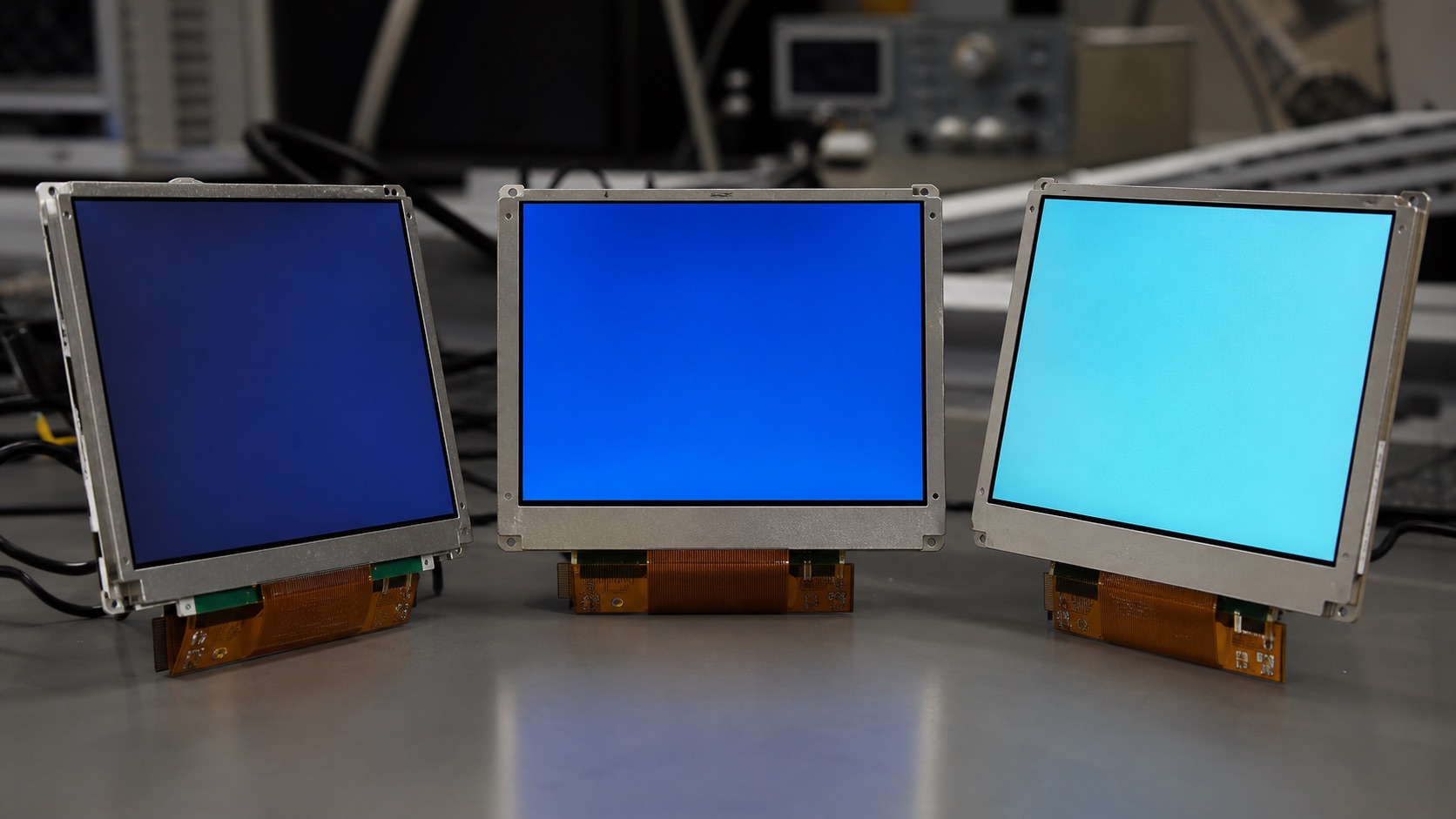
Selecting a display for industrial HMIs, access controllers, test equipment, EV chargers, and appliance control panels is rarely a one-variable decision. This guide focuses on choosing between IPS, TN, and VA LCD panels for embedded and industrial products from an engineering point of view: optical behavior, electrical integration, mechanical stack-up, validation, supply risk, and field reliability.
The wrong LCD mode can make an otherwise solid product feel unreliable. A panel that looks acceptable on a bench may lose contrast when mounted above eye level, shift color when viewed from the side, or become difficult to read after the cover lens and enclosure are added. Common field complaints include operators reading values from an angle, service teams replacing panels because the perceived contrast changed, and product managers discovering too late that a low-cost TN option damages the user experience in a premium device.
The practical recommendation is simple: Use IPS when viewing angle and image stability matter more than the lowest panel cost. The detailed work is in proving that decision against the real product environment, not against a marketing image or an isolated datasheet value.
1. Decision Summary
| Design area | Engineering implication | Practical note |
|---|---|---|
| Viewing angle | Very wide and stable | Narrow, especially vertical |
| Contrast | Good | Moderate |
| Color stability | Strong across angles | Weak off-axis |
| Response time | Good in modern panels | Often fastest |
| Industrial fit | Best general choice | Cost-driven simple UIs |
The table should not be used as a replacement for qualification testing. It is a way to focus the first design review. In a real project, the display decision should involve electrical engineering, mechanical engineering, firmware, industrial design, purchasing, quality, and the supplier application team. Each group sees a different failure mode: signal margin, enclosure tolerance, boot timing, touch feel, lifecycle risk, or cosmetic yield.
2. Viewing Angle Is a System Requirement
For industrial products, viewing angle is not a cosmetic specification. Operators may stand beside a machine, mount a panel above shoulder height, or glance at a display while wearing protective equipment. IPS keeps luminance and color more consistent across these positions. TN can look washed out or inverted when the viewing cone is wrong. VA is better than TN but may show gamma shift, where dark tones change more than expected. When the UI contains alarms, trend lines, or small status colors, these shifts are not trivial.
Before treating “178°” as proof of image quality, check how the supplier defines its limit. Our guide to IPS viewing-angle specifications and CR≥10 limits explains what that headline number leaves out.
3. Contrast and Black Level
VA panels often deliver deeper black level than IPS LCDs, which can make them attractive for indoor equipment with dark user interfaces. IPS still provides enough contrast for most HMI and embedded tasks, especially when the front stack is designed well. TN is usually the weakest option for perceived contrast unless the viewing position is tightly controlled. In outdoor or bright factory lighting, surface reflections and backlight power often matter more than the native contrast number on the datasheet.
4. Response Time and Motion
TN earned its reputation from fast response in gaming and older monitor markets, but embedded systems rarely need that advantage. Many modern IPS panels are fast enough for control screens, camera previews, menus, and video. VA can show slower dark-to-gray transitions in some modules. If the product displays moving maps, video feeds, or inspection images, ask for response curves at the operating temperature range instead of relying on a single typical value.
For cold-start products, qualify LCD response time at low temperature with the actual gray transitions and overdrive settings, not only the room-temperature GtG headline.
5. Cost, Availability, and Lifecycle
TN can still be useful when the UI is simple, the viewing position is fixed, and cost pressure is extreme. However, the cost gap has narrowed in many small and mid-size TFT modules. IPS has broad supply, many interface options, and strong long-term availability in industrial sizes. VA availability is more selective. For a product expected to ship for five to ten years, lifecycle stability can be more important than saving a small amount on the first panel revision.
6. Validation Plan
A credible validation plan should use the final display stack, not an open-frame sample sitting on a desk. Build at least one sample with the intended cover lens, touch sensor, bonding method, cable, connector, backlight driver, enclosure, gasket, and firmware. Then test the conditions that match the product: operating temperature, storage temperature, vibration if relevant, ESD, EMI, repeated power cycling, brightness changes, sleep and resume, and long-duration operation.
For optical decisions, inspect the display under the lighting that customers will actually see. For electrical decisions, test with production cable length and realistic grounding. For mechanical decisions, measure tolerance stack-up and assembly repeatability. For software decisions, confirm boot behavior, error recovery, orientation, dimming, and touch calibration. A display that passes a one-hour bench test can still fail when installed in a sealed enclosure, driven at full brightness, or used by an operator wearing gloves.
7. Procurement and Lifecycle Review
Engineering teams should ask suppliers for more than a quotation. Useful documentation includes the LCD datasheet, module drawing, interface timing, backlight electrical data, optical test method, reliability report, RoHS and REACH status if required, packaging specification, PCN policy, and expected lifecycle. If the product is planned for long-term production, identify whether the panel, driver IC, touch controller, LED, polarizer, and adhesive are stable parts or subject to frequent substitution.
Second sources should be considered early. Even when a perfect drop-in alternate does not exist, knowing the nearest replacement helps the team preserve mechanical space, interface flexibility, and firmware options. A display can become a single point of failure for the whole product if the team treats it as a commodity part.
8. Engineering Checklist
- Confirm the real mounting height and viewing direction before approving TN.
- Review optical performance after cover glass, touch sensor, air gap, or bonding are included.
- Test low-temperature response if the display will be used outdoors or in unheated locations.
- Avoid judging color and contrast from a bare panel without the final backlight setting and enclosure geometry.
9. Final Recommendation
For embedded and industrial products, the best display choice is the one that remains readable, electrically stable, manufacturable, and available throughout the product lifecycle. Do not approve a display from a single specification or a clean-room demo photo. Approve it after the optical stack, interface, touch behavior, thermal path, firmware, and supplier controls have been reviewed together.
That approach takes more effort during design, but it reduces late redesigns, field complaints, and supply surprises. It is also the difference between a display that simply turns on and a display subsystem that supports the product reliably for years.
Related Engineering Context
If OLED is also being considered, compare the long-term trade-offs in IPS vs OLED for embedded and industrial displays. To interpret headline black-level claims correctly, see the engineering comparison of static vs dynamic contrast ratio. For indoor HMI decisions where viewing angle and color stability matter, the blog on why IPS displays dominate modern indoor applications gives a more application-focused view.