Wide-Temperature IPS Display Testing: What Changes in Real Qualification
A practical look at wide-temperature IPS display testing, including cold start, response time, backlight behavior, touch stability, adhesives, and thermal chamber validation.
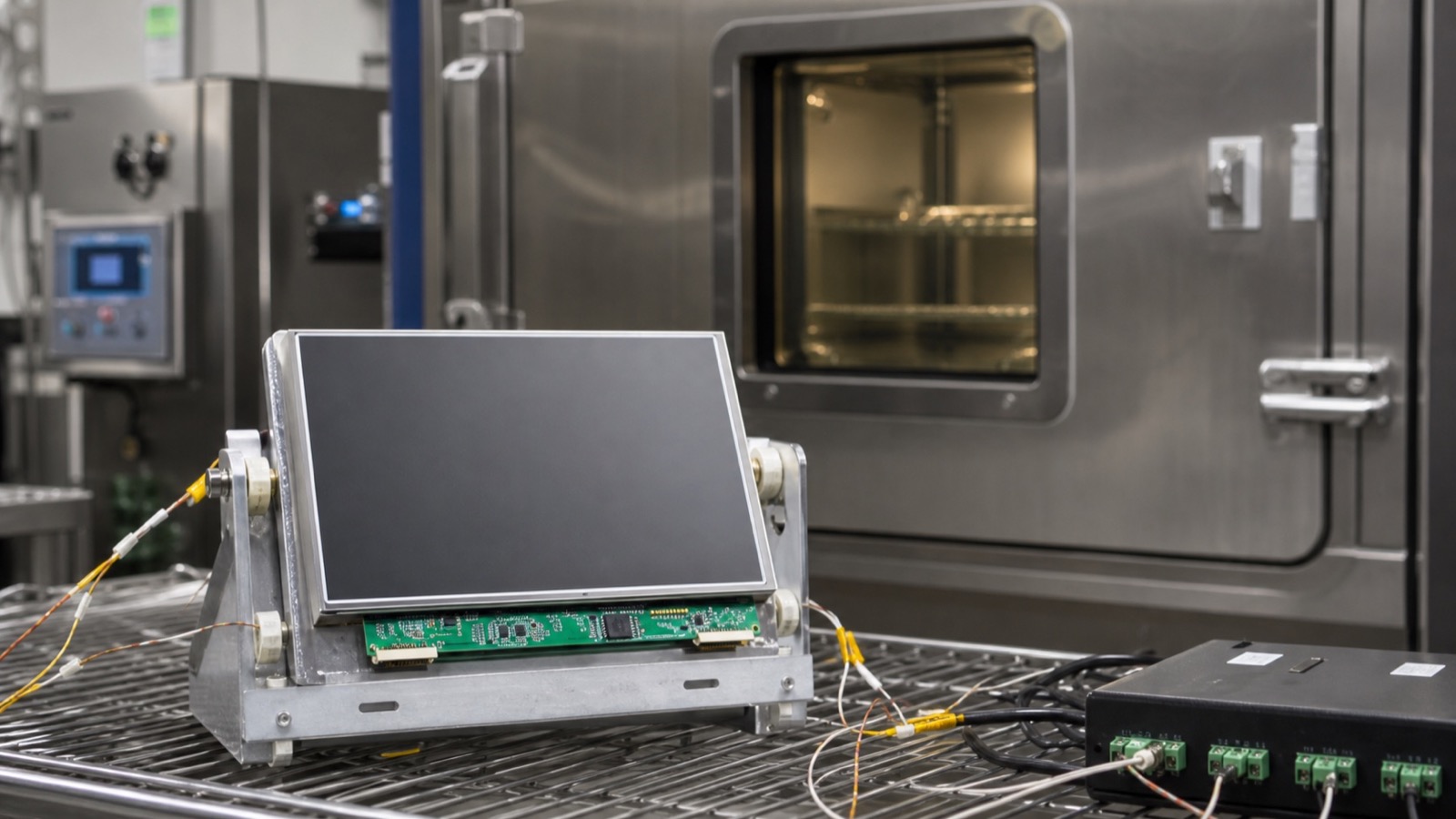
Wide-temperature ratings are important, but they are only the starting point for qualification. A display marked for -20°C to 70°C or -30°C to 85°C may still behave differently once it is installed in a sealed enclosure, bonded to cover glass, connected with the final cable, and controlled by production firmware. Real testing should evaluate the complete display subsystem, not only the LCD glass.
At low temperature, liquid crystal response slows down. The display may still turn on, but transitions can smear, touch response may change, and the backlight may take time to stabilize. At high temperature, backlight aging accelerates, adhesives soften or creep, touch controller noise can increase, and the enclosure may hold more heat than expected.
Test the full assembly
The most useful test article includes the LCD module, cover glass, touch sensor, bonding method, cable, connector, backlight driver, power supply, enclosure, gasket, and firmware. If the display is tested as a loose sample, the result may miss the problems that appear in production.
Cold start is especially important. Power the product after it has fully soaked at low temperature. Check boot timing, display initialization, image quality, touch behavior, and backlight enable. Some failures appear only during startup, not after the product is already warm.
Temperature test checklist
| Condition | What to observe |
|---|---|
| Low-temperature storage | Cracks, condensation, delayed recovery |
| Low-temperature startup | Slow response, failed initialization, touch drift |
| High-temperature operation | Backlight heat, image stability, adhesive stress |
| Temperature cycling | Connector movement, bonding defects, frame stress |
| Full backlight at high ambient | LED derating and enclosure hot spots |
| Sleep and resume | Recovery after thermal soak |
Watch the non-LCD parts
Many temperature failures come from surrounding materials. Adhesives, foam gaskets, polarizers, touch sensors, FPCs, connectors, and plastic frames all have limits. Optical bonding can improve durability and reduce condensation risk, but the bonding material must be qualified for the temperature range. Cover glass and metal frames can expand differently, creating stress if the mechanical design has no margin.
Touch performance should be tested across temperature. PCAP baseline tracking can shift with humidity, temperature, gloves, water, and grounding. If the product is expected to run outdoors or in vehicles, do not approve touch behavior only at room temperature.
Record behavior, not only pass or fail
Temperature testing is more useful when the team records how the display behaves during the test, not only whether it survives. Note response time, brightness drift, color shift, touch sensitivity, startup delay, noise, condensation, and recovery time after returning to room temperature. A product may technically pass an operating range but still feel unacceptable to users at the edge of that range.
It is also worth testing the real UI. Large buttons and static status screens may remain usable at low temperature even if animations become slow. Video, camera preview, or fast trend graphs may expose response-time limits. Acceptance criteria should reflect what the user actually needs to do.
Practical acceptance
Define what is allowed at temperature. A slower LCD response at -20°C may be acceptable for a status display but not for a video or fast-moving control interface. A slight brightness drop during cold startup may be acceptable if the display recovers quickly. The acceptance criteria should reflect the real user task.
For a deeper design framework, use the wide-temperature display design guide. If high brightness is involved, combine the temperature plan with the high-brightness TFT display selection guide because heat and backlight lifetime are tightly connected.
Wide-temperature testing is not only about passing a chamber cycle. It is about proving the display remains usable, stable, and manufacturable in the product environment.