PCAP Touch Validation: Gloves, Water, EMI, and Production Variation
A practical PCAP touch validation article for industrial IPS displays, covering glove operation, water rejection, EMI, grounding, firmware tuning, and production sample variation.
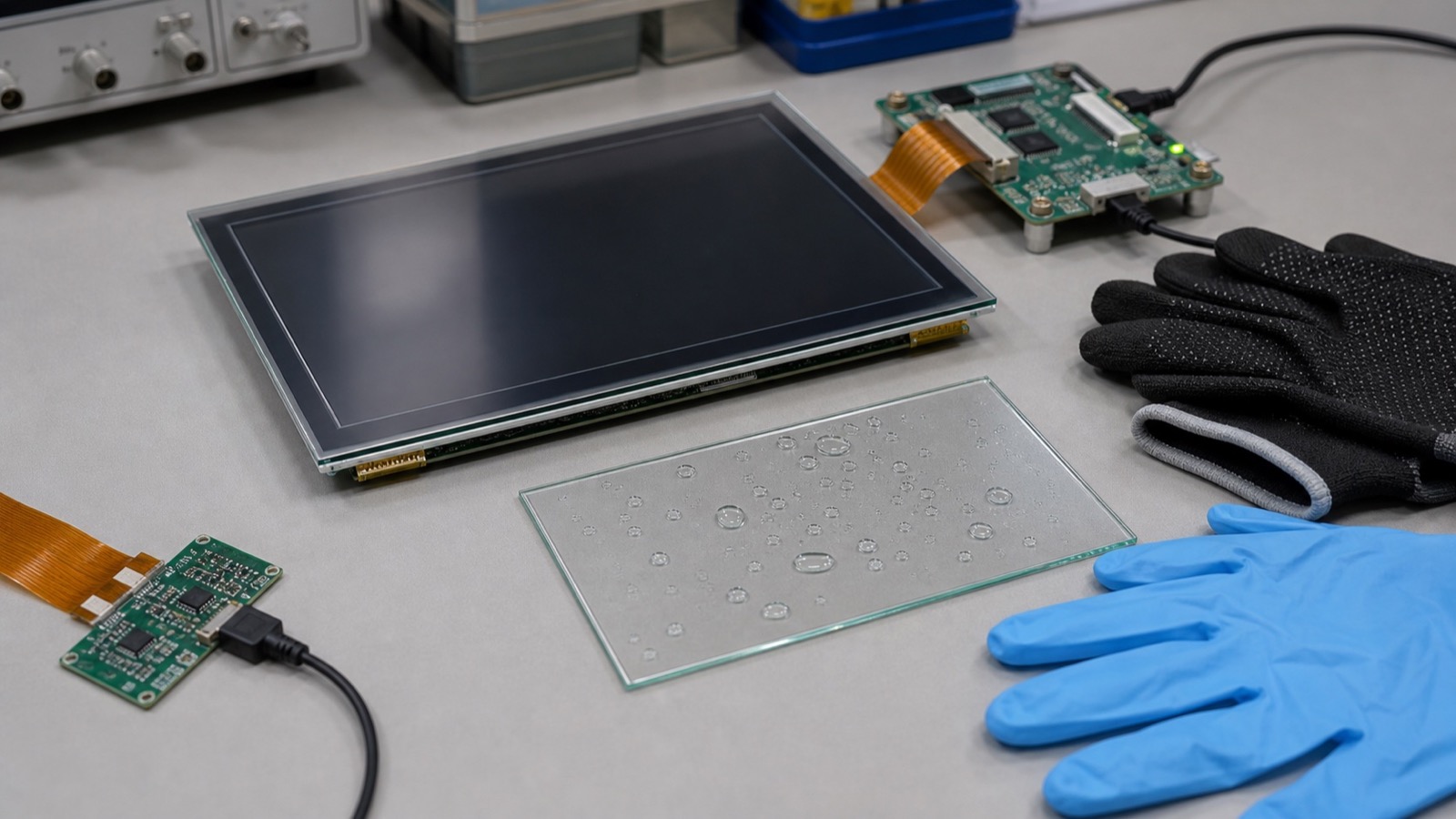
Projected capacitive touch is now common on industrial IPS displays, but it should not be approved from a supplier demo alone. PCAP performance depends on the complete stack: LCD, touch sensor, cover glass, adhesive, air gap or bonding, bezel, grounding, power supply, firmware tuning, enclosure material, and user behavior. A sample that works on a bench can fail once installed in the final product.
The most common mistake is accepting broad claims such as “glove support” or “water rejection” without defining the exact operating cases. A medical cart, outdoor kiosk, factory panel, and handheld terminal all need different behavior.
Define touch requirements first
Before tuning starts, define supported glove types, water exposure, cleaning chemicals, cover glass thickness, required touch points, edge behavior, EMI environment, and operating temperature. If the product only needs reliable single-touch buttons, do not tune for unnecessary multi-touch gestures at the cost of stability.
For gloves, test the exact materials used in the field: nitrile, leather, coated work gloves, winter gloves, or disposable medical gloves. For water, test droplets, wet fingers, wiping, water near the bezel, and wet gloves if relevant.
Validation matrix
| Test | Practical method |
|---|---|
| Bare finger | Tap, drag, edge, corner, and long press |
| Glove | Test approved glove types at normal and low temperature |
| Water | Droplets, wiping, wet finger, wet glove |
| EMI | Monitor touch during power supply and radio activity |
| ESD | Confirm recovery, not only product survival |
| Sleep / resume | Check baseline recovery after power states |
| Production samples | Compare several assemblies, not one golden unit |
Grounding and enclosure effects
PCAP controllers measure small capacitance changes. Metal frames, floating systems, long cables, noisy power supplies, and nearby radios can all change behavior. The final enclosure should be part of the validation. If the product is tested only with a loose plastic fixture, the result may not represent field use.
Grounding decisions should be reviewed with electrical and mechanical engineers together. Shielding, chassis connection, controller placement, and FPC routing all matter.
Production variation matters
One good prototype does not prove touch margin. Cover glass thickness, adhesive thickness, sensor alignment, FPC routing, controller firmware, and grounding contact can vary in production. Build several samples and test the worst cases, especially if the design uses thick glass, narrow borders, high glove sensitivity, or a noisy power system.
Incoming inspection does not need to repeat every engineering test, but it should catch obvious drift. Keep a golden sample and define simple checks for edge response, glove behavior if required, wet recovery, and firmware version. If a supplier proposes a controller, sensor, or adhesive change, treat it as a touch requalification event.
Control tuning files
Touch tuning is firmware, and firmware must be controlled. Keep the approved tuning file, controller version, sensor drawing, cover glass thickness, adhesive type, and display revision together. If the supplier changes the controller, sensor pattern, adhesive, or firmware, require reapproval.
The user experience should also be part of the approval. A touch panel can pass raw coordinate tests and still feel poor if the UI targets are too small, edge buttons are hard to hit, or the firmware filters touches too aggressively. Ask operators or non-engineering users to try the real interface. They often find problems that bench tests miss.
For a deeper guide, read the PCAP touch panel design guide. If the project is still choosing between touch technologies, the capacitive vs resistive touch guide gives the broader comparison.
Good PCAP touch feels invisible when it works. That is exactly why the validation must be disciplined before the product ships.