IPS Displays for Medical and Laboratory Equipment: Engineering Notes
Engineering notes on selecting IPS displays for medical carts, laboratory instruments, diagnostic interfaces, and controlled indoor equipment.
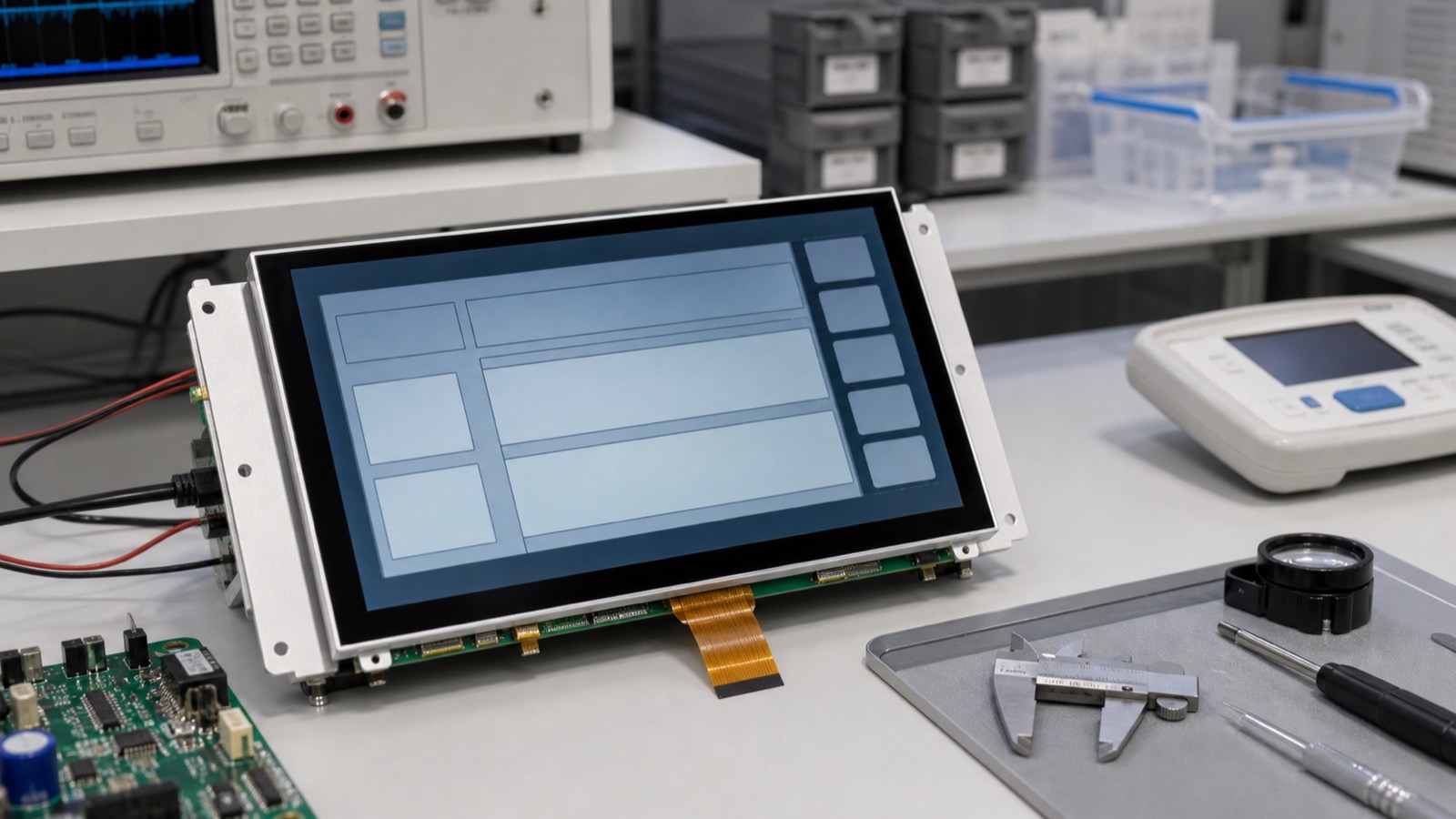
Medical and laboratory equipment often uses IPS displays because the technology provides stable viewing angles, consistent color behavior, and good readability in controlled indoor lighting. But selecting a display for this environment is not only about image quality. The display must support cleaning, long operating hours, predictable supply, firmware stability, and mechanical integration with a sealed front surface.
The first question is the device role. A nurse-facing cart, diagnostic instrument, lab analyzer, bedside device, and portable measurement tool all place different demands on size, brightness, touch, and surface treatment.
What matters most
For many medical and lab products, moderate brightness with excellent clarity is better than extreme brightness. Indoor lighting is usually controlled, so 400-700 nits may be enough depending on cover glass and UI design. Excess brightness can increase heat and reduce comfort during long use.
Viewing angle matters because users may stand, sit, or move around the device. IPS helps maintain readability from side angles, especially for shared screens or carts used by multiple staff members. Color consistency also matters when the UI uses status colors or visual trends, even if the device is not a diagnostic imaging monitor.
Front surface and cleaning
The cover glass and touch stack deserve early review. Medical and laboratory devices may be cleaned frequently with alcohol or disinfectant. The surface coating, ink border, adhesive, and gasket should tolerate the expected cleaning process. PCAP touch is common because it allows a sealed glass front, but wet cleaning and gloves should be validated.
| Requirement | Engineering note |
|---|---|
| Cleanable surface | Review coating and chemical resistance |
| Glove use | Test approved glove types |
| Stable viewing angle | Verify real mounting positions |
| Moderate heat | Avoid unnecessary high backlight current |
| Long supply | Check lifecycle and PCN policy |
| UI clarity | Test actual fonts, colors, and alarms |
Documentation and compliance support
Even when the display itself is not the regulated core of the product, documentation still matters. Keep datasheets, drawings, timing, backlight data, touch tuning, reliability reports, and supplier change-control information. If the display changes later, the product team needs to know whether validation must be repeated.
For devices with long service periods, lifecycle risk should be reviewed before approval. A display replacement can affect enclosure fit, firmware, brightness, touch behavior, and service parts.
Human factors should be tested
Medical and laboratory users often read screens for long periods or under time pressure. Test the real UI for font size, contrast, alarm colors, viewing angle, and touch target spacing. A high-resolution display can still be poor if the UI uses small text or low-contrast gray labels. A moderate-resolution display can work well if the interface is designed for the actual task.
If the device is mobile, test it at the heights and angles users will see in practice. Cart-mounted displays, benchtop instruments, and wall-mounted devices are viewed differently. IPS viewing angle helps, but it should still be verified with the complete cover stack.
For products used in shared spaces, also review privacy and glare. A very wide viewing angle is useful for collaboration, but some devices may need controlled viewing direction or careful placement. Overhead lights, glossy covers, and white surfaces can create reflections even indoors.
Practical recommendation
Test the display with the intended UI, cover glass, gloves, cleaning method, and mounting angle. Do not approve a module only from a bright demo screen. If the design uses PCAP touch, review the PCAP touch panel design guide. For broader selection criteria, use the industrial LCD display selection guide.
IPS is usually a strong choice for medical and laboratory equipment, but the final decision should be based on the complete front stack and product lifecycle, not only the panel technology name.