How to Check Brightness Uniformity on IPS Display Modules
A practical engineering method for checking IPS display brightness uniformity, including test setup, measurement points, acceptance limits, and common causes of uneven luminance.
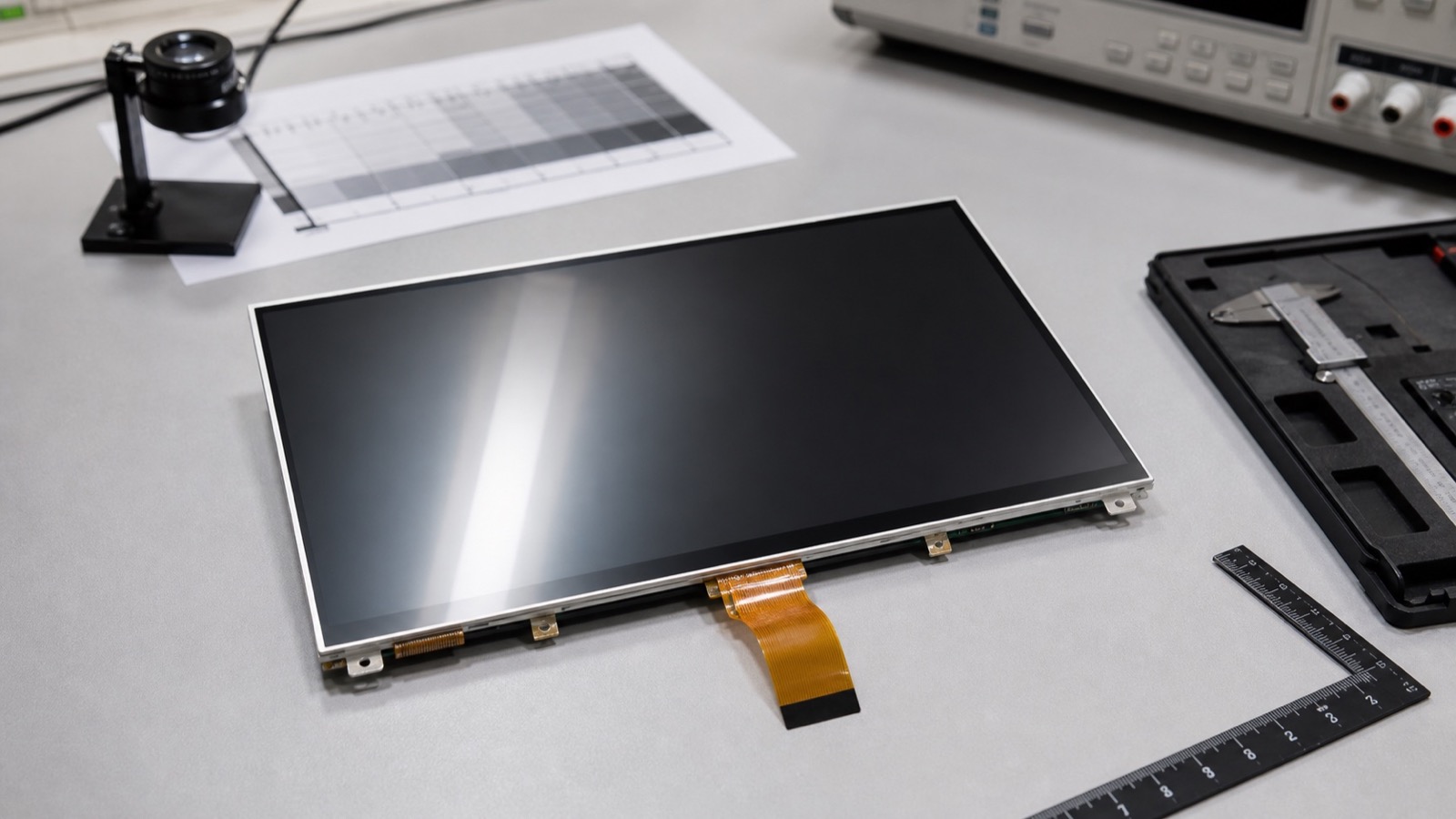
Brightness uniformity is one of the display checks that looks simple until a product is assembled. A bare IPS module may look acceptable on a bench, but the final product can reveal edge shadows, hot spots, backlight leakage, cover glass reflections, or visible mura after the display is mounted behind a bezel. For industrial and embedded systems, those issues are not only cosmetic. They can reduce readability, make the user interface look low quality, and create quality disputes during production.
The first step is to define what uniformity means for the product. A medical cart, factory HMI, EV charger, and handheld terminal do not need the same acceptance limit. A screen showing mostly white forms will reveal luminance variation more strongly than a dashboard with dark backgrounds and large colored controls. The test should use both standard measurement patterns and representative UI screens.
Build a repeatable test setup
Use a stable power supply, a fixed backlight setting, a warmed-up display, and a controlled ambient environment. Many displays change slightly during the first few minutes after power-on, so measure after the backlight and panel have stabilized. If the final product uses a cover lens, touch sensor, optical bonding, or anti-glare treatment, test at least one representative stack. A bare LCD result is useful for incoming inspection, but it is not enough for final product approval.
For most modules, a 9-point or 13-point measurement pattern is practical. Measure the center, corners, and edge midpoints using a luminance meter or colorimeter. Keep the probe distance, angle, and measurement aperture consistent. If the display is large or the UI has critical areas near the edge, add more points.
What to record
| Item | Why it matters |
|---|---|
| Backlight level | Uniformity can change with LED current |
| Warm-up time | Early measurements may drift |
| Measurement points | Allows repeatable comparison |
| Minimum and maximum luminance | Defines visible variation |
| Ambient light condition | Reflection can distort perception |
| Stack configuration | Cover glass and bonding can change results |
A common calculation is minimum luminance divided by maximum luminance, expressed as a percentage. For example, if the darkest point is 430 nits and the brightest point is 500 nits, uniformity is 86 percent. Whether that is acceptable depends on the product, screen size, UI, and customer expectation.
Common causes of poor uniformity
Uneven brightness can come from the backlight structure, LED binning, light guide design, diffuser stack, frame pressure, panel stress, adhesive thickness, cover glass reflection, or mechanical mounting. If the issue appears only after assembly, look at bezel pressure, screw torque, gasket compression, adhesive squeeze-out, and panel support. IPS panels are not immune to mechanical stress. A small pressure point can create a visible bright or dark region.
Thermal behavior should also be checked. High-brightness displays may show different uniformity after running at full backlight in a warm enclosure. If the product is outdoor-facing, compare room-temperature results with high-temperature operation.
Practical approval approach
Do not approve uniformity from a single photograph. Cameras auto-adjust exposure and can exaggerate or hide problems. Use measurements for acceptance and photos only as supporting notes. Keep at least one golden sample and repeat the test when the supplier changes the backlight, diffuser, adhesive, LED, or mechanical frame.
For high-brightness projects, combine this review with the high-brightness TFT display selection guide. If the product is still in the general selection stage, the industrial LCD display selection guide gives a broader approval framework.
Brightness uniformity is not the most exciting display specification, but it is one of the easiest ways for users to judge build quality. A disciplined test method prevents subjective arguments later.