Display Bring-Up Problems: Practical LVDS and MIPI DSI Debug Checks
A practical debug checklist for LVDS and MIPI DSI display bring-up problems, including power sequencing, timing, lane mapping, initialization commands, cables, and grounding.
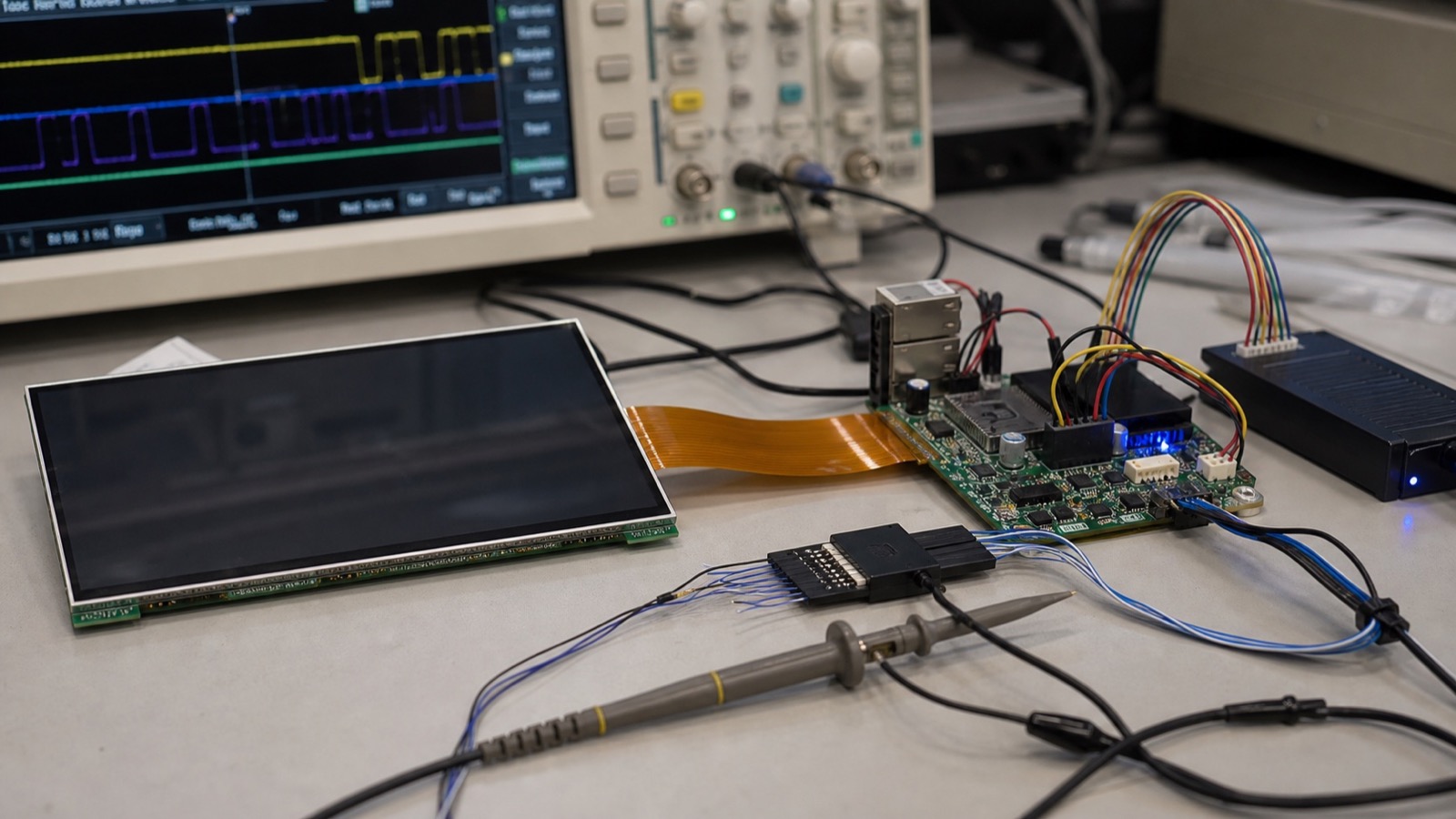
Display bring-up problems often look mysterious because the screen gives very little information. It may stay black, show a white screen, flicker, display wrong colors, shift the image, or work only after a reset. In most cases, the cause is not random. It is usually power sequencing, timing, lane mapping, initialization, cable quality, grounding, or firmware configuration.
LVDS and MIPI DSI fail in different ways. LVDS is usually more visible in its timing and mapping problems. MIPI DSI can be more dependent on initialization commands and platform support. Both should be debugged as a system: panel, processor, cable, power, reset, backlight, and software.
Start with power and reset
Before checking high-speed signals, confirm the basics. Measure panel logic power, I/O voltage, reset timing, backlight power, enable pins, and current draw. A display can be correctly connected but still black because the reset line releases too early or the backlight enable never turns on.
Check the datasheet sequence carefully. Some panels require logic power before reset. Some need a delay before backlight enable. Some MIPI panels require initialization commands before the display exits sleep mode. Firmware delays should be documented, not guessed.
LVDS checks
For LVDS, verify pixel clock, sync polarity, data enable mode, bit depth, JEIDA/VESA mapping, single or dual channel mode, and pair order. Wrong mapping can create strange colors. Wrong timing can shift the image or create unstable frames. Cable quality matters, especially in industrial enclosures with longer routes or nearby power electronics.
MIPI DSI checks
For MIPI DSI, confirm lane count, lane order, clock lane, data rate, video or command mode, reset timing, sleep-out command, display-on command, and vendor initialization sequence. Many MIPI panels need a specific command list. A similar resolution does not mean the same initialization works.
| Symptom | Likely area to check |
|---|---|
| Black screen, backlight on | Initialization, timing, reset, lane config |
| White screen | Panel power or missing video data |
| Wrong colors | RGB/BGR order, bit depth, LVDS mapping |
| Flicker | Clock, cable, grounding, power ripple |
| Works after reboot only | Power sequence, reset timing, firmware state |
| Fails in enclosure | Cable route, EMI, grounding, connector strain |
Debug with production assumptions
A display that works on a short evaluation cable may fail in the enclosure. Test with the intended cable length, connector, grounding, and board position as early as possible. If the enclosure is metal, review shield connection and ground return. If the cable crosses power electronics, reroute or shield before the design is frozen.
Document the final working configuration. Store timing, command sequences, device tree settings, reset delays, backlight settings, and panel revision. Future replacement work becomes much easier when the bring-up knowledge is not trapped in one engineer’s notes.
Keep a known-good baseline
During debugging, change only one variable at a time. Keep a known-good panel, cable, board, firmware image, and power supply if possible. When the display fails, swap methodically instead of changing timing, cable, and initialization together. This prevents the team from fixing one issue while creating another.
For production products, the baseline should become part of the release package. Include the approved cable drawing, oscilloscope notes if available, boot logs, display configuration files, and a photo of the working connection. This is not excessive documentation. It is what allows another engineer to support the product when a panel revision or processor board changes later.
For interface selection trade-offs, read the embedded display interface comparison. When failures appear only at boot or shutdown, capture the LCD power, reset, video, and backlight sequence instead of adjusting delays blindly. If the enclosure is still being designed, review display interface and cable-path decisions before the mechanics are frozen.